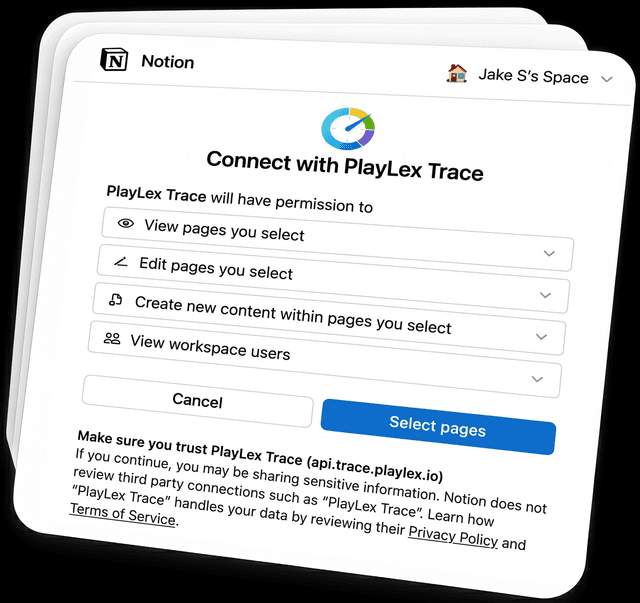
Step 1
Connect Notion
Set up in minutes.
LexTrace turns your Notion workspace into a simple time tracking and reporting system — with project views, category insights, date-range reviews, and exports when you need them.
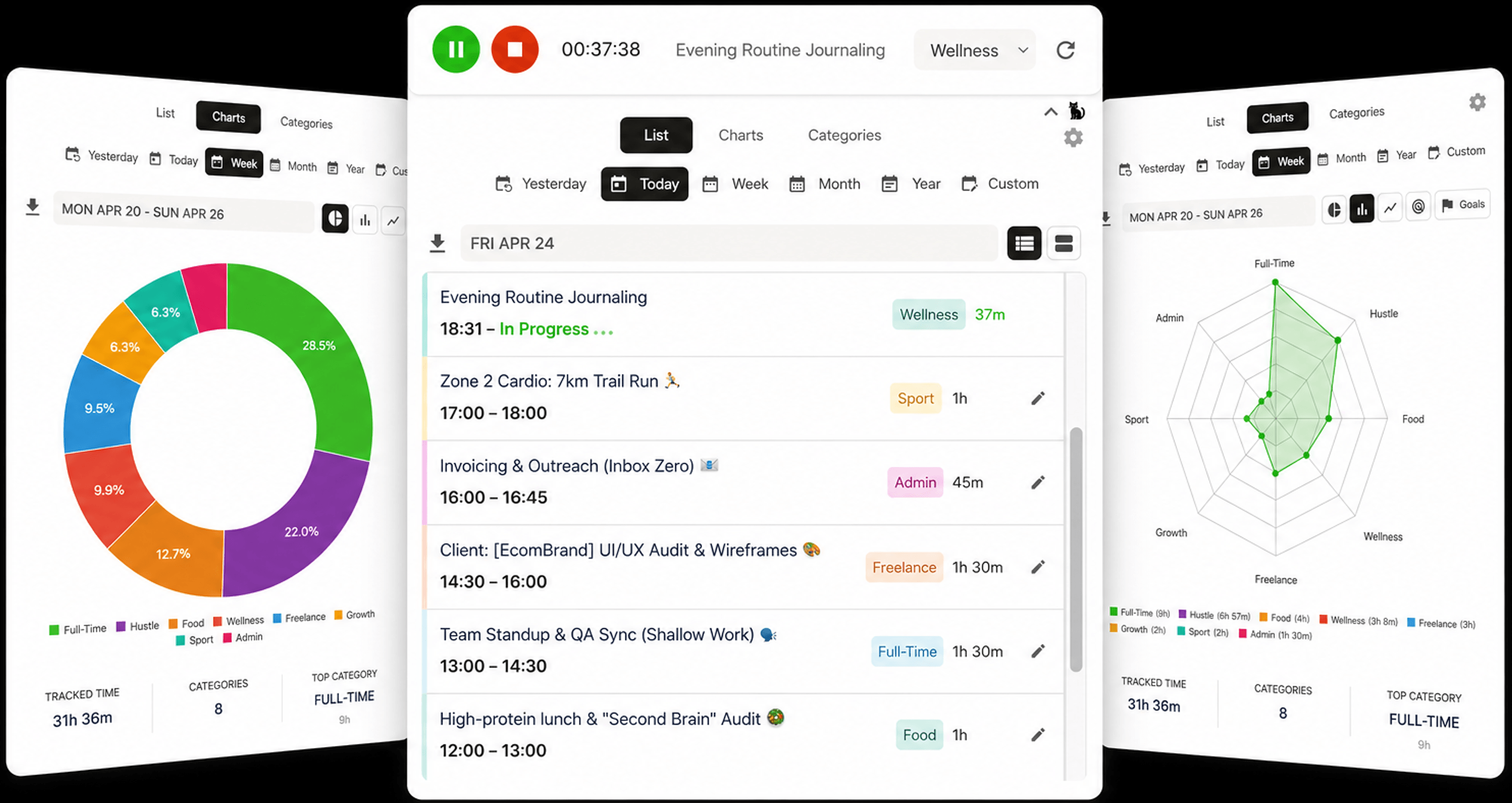
See how to connect Notion, embed the timer, track sessions, and review your time under 2 minutes
Set up in minutes.
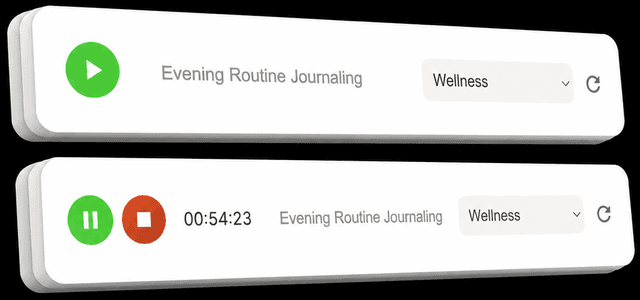
Start, pause, and stop sessions with a simple click — without leaving your workflow.
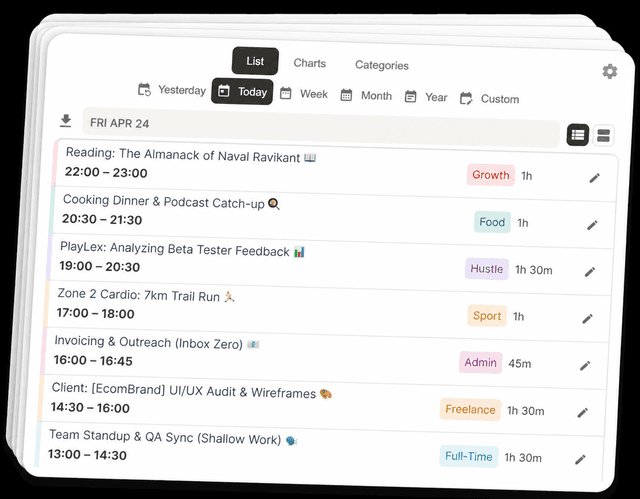
See totals, categories, projects, and date ranges — then export records when you need them.
Track work as it happens, then review totals, categories, projects, trends, and exports — with your records staying accessible in Notion.
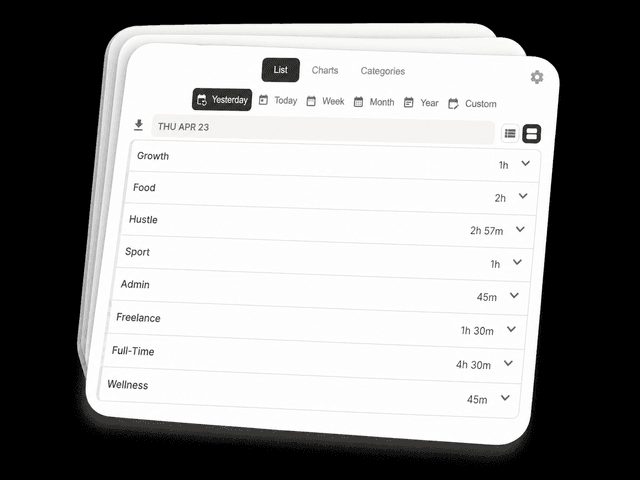
See how your day, week, month, or custom range breaks down across sessions, categories, and projects.
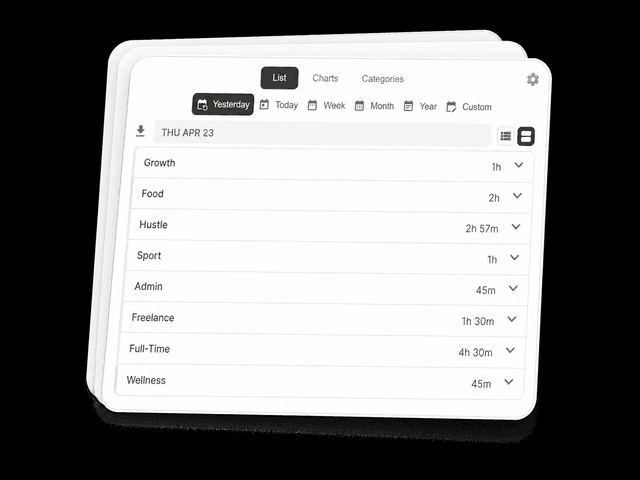
Group sessions by work type, client, project, or focus area so reports stay meaningful later.
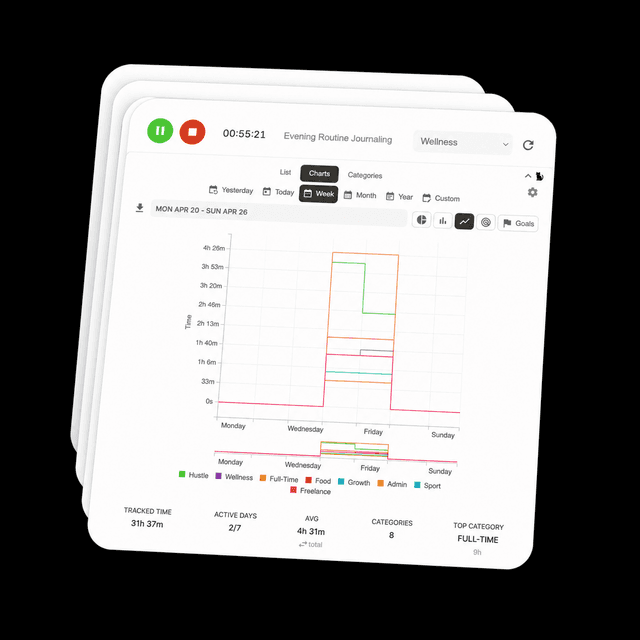
Spot context switching, deep work blocks, and where your hours actually go.
Start, pause, resume, and stop without turning time tracking into another task.
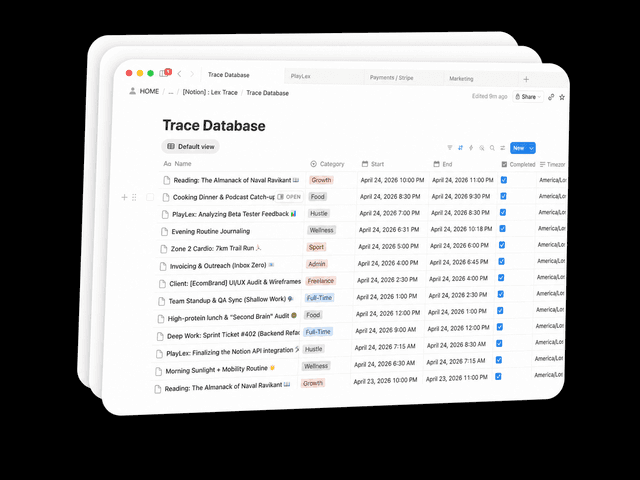
Your time entries live in your Notion database, where you can view, edit, filter, duplicate, and export them.
Freelance clients, side projects, consulting, learning, admin, and deep work — LexTrace helps you see how your time actually splits across everything you do.
Understand how your time splits between deep work, admin, meetings, learning, or custom categories.
Review today, yesterday, this week, this month, this year, or any custom range.
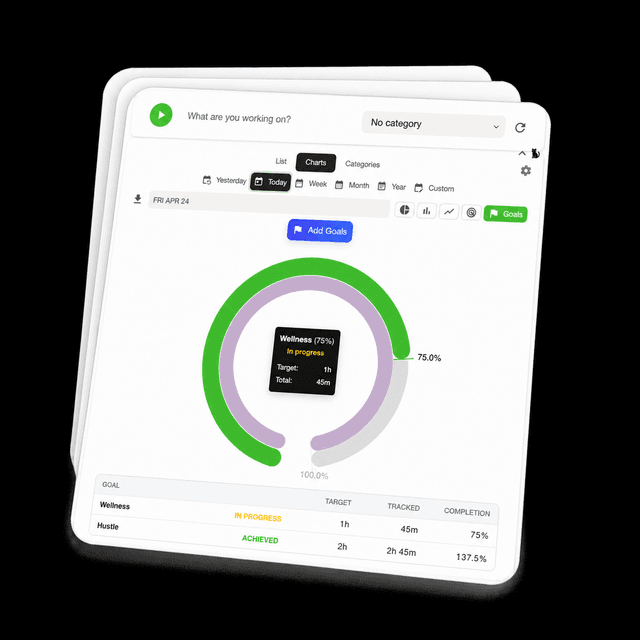
Explore your time with five chart views, then set goals to see whether your progress is on track.
Export clean CSV or PDF records for billing, reporting, reviews, or archives.
Records stay in your Notion database — visible, editable, and exportable.
We don’t sell your data. Analytics are opt-in only.
Start with simple Notion-based tracking. Upgrade for monthly, yearly, and custom date ranges, exports, goals, and advanced charts.
Great for trying LexTrace in your Notion workspace.
Gain deeper insights into your time with advanced reports, goals, exports, and analytics.
Here's everything you need to know before getting started.
The trial is 7 days and can be started without a credit card. If you decide to upgrade, billing is handled securely by Stripe.
You can cancel anytime. Your paid access remains active until the end of your current billing cycle, then your account returns to the free tier.
Payments are generally non-refundable unless required by law or explicitly stated during checkout.
Free includes core time tracking, basic charts, and daily or weekly date ranges. Pro adds monthly, yearly, and custom date ranges, plus CSV/PDF exports, goals, unlimited entries, multiple devices, and advanced analytics.
Free supports a limited number of devices. Pro supports multiple devices for active workflows across setups.
Yes. During setup, you can either create a LexTrace database in a page you choose or bind an existing Notion database.
Usually the page or database is not shared with the LexTrace integration yet. In Notion, open Share, then Connections, grant access to LexTrace, and refresh the picker.
Uninstalling revokes LexTrace access tokens, removes active embeds, and stops tracking. It does not delete your Notion pages or database content.
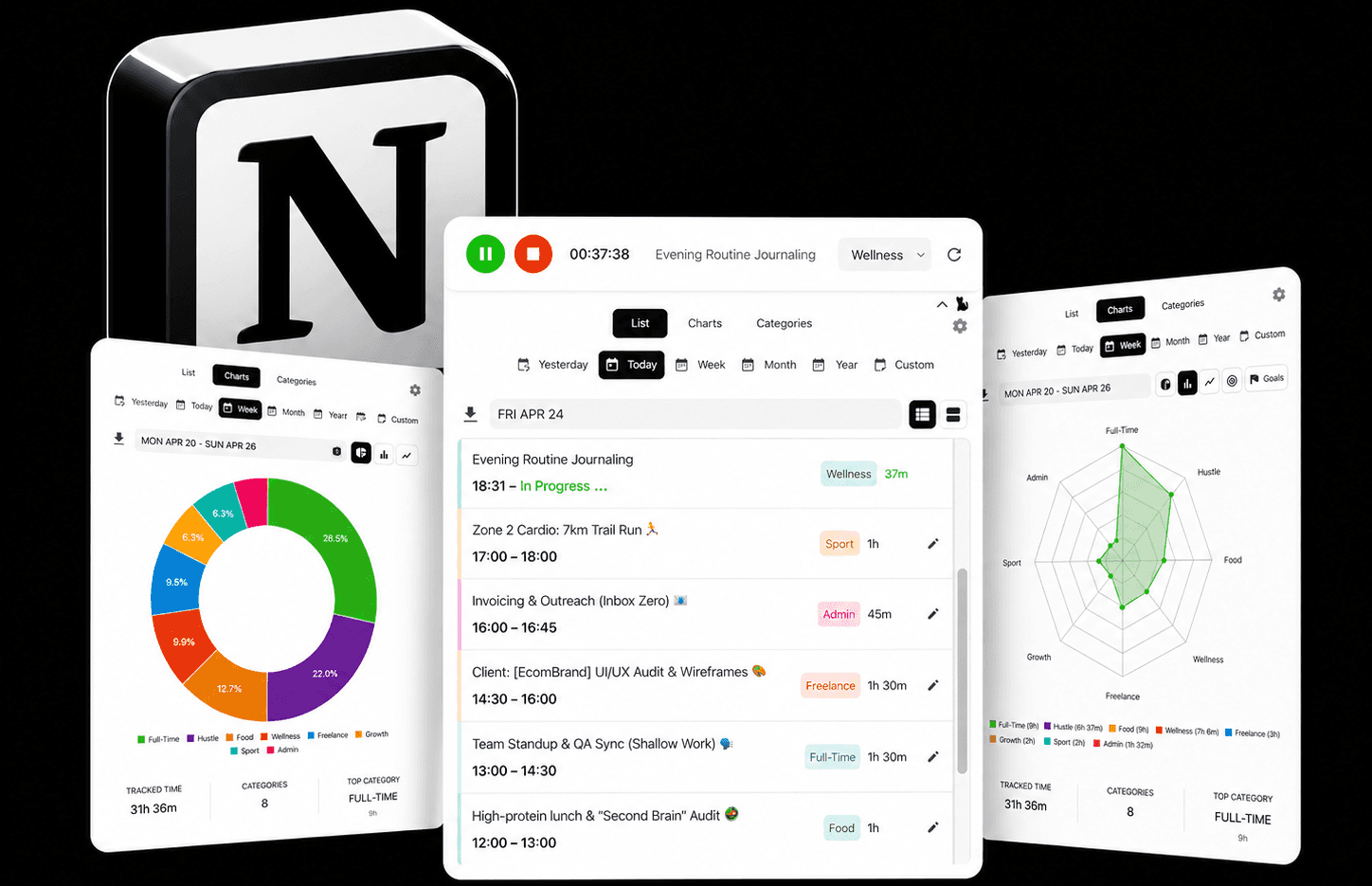
Track projects, protect focus, and build a clearer record of your work — all inside Notion.
Start Free